

KVM Switch 3 Monitors 2 Computers, HDMI + DisplayPort KVM Switcher 8K@30Hz/4k@144Hz for 2 Computer Share 3 Display and 4 USB 3.0 Devices
$85.99




Price: $85.99
(as of Mar 12, 2026 02:51:25 UTC – Details)

Product description
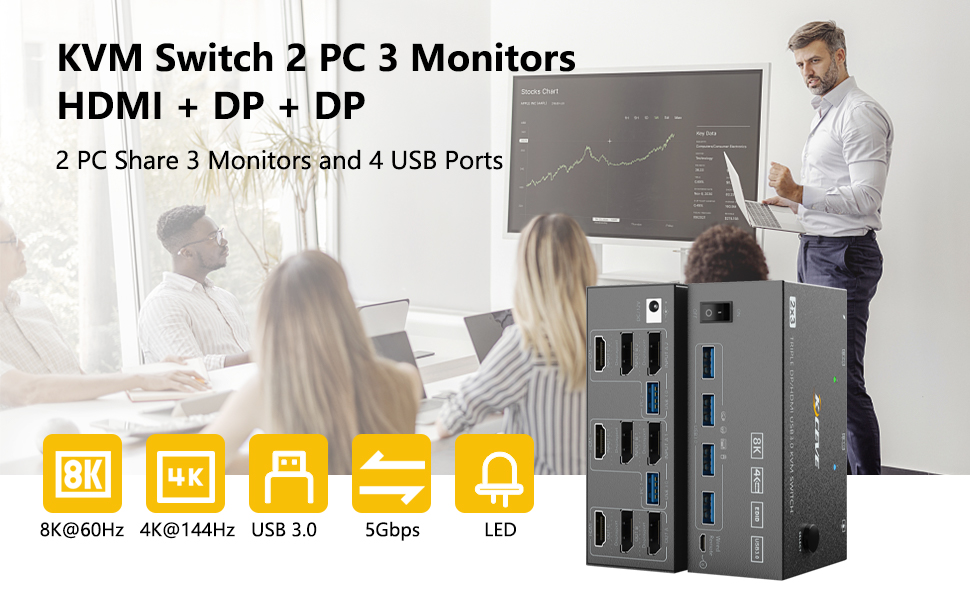
Triple Monitor USB 3.0 HDMI+2 Displayport KVM Switch
2 Computers Share 3 Monitors and 4 USB 3.0 Devices
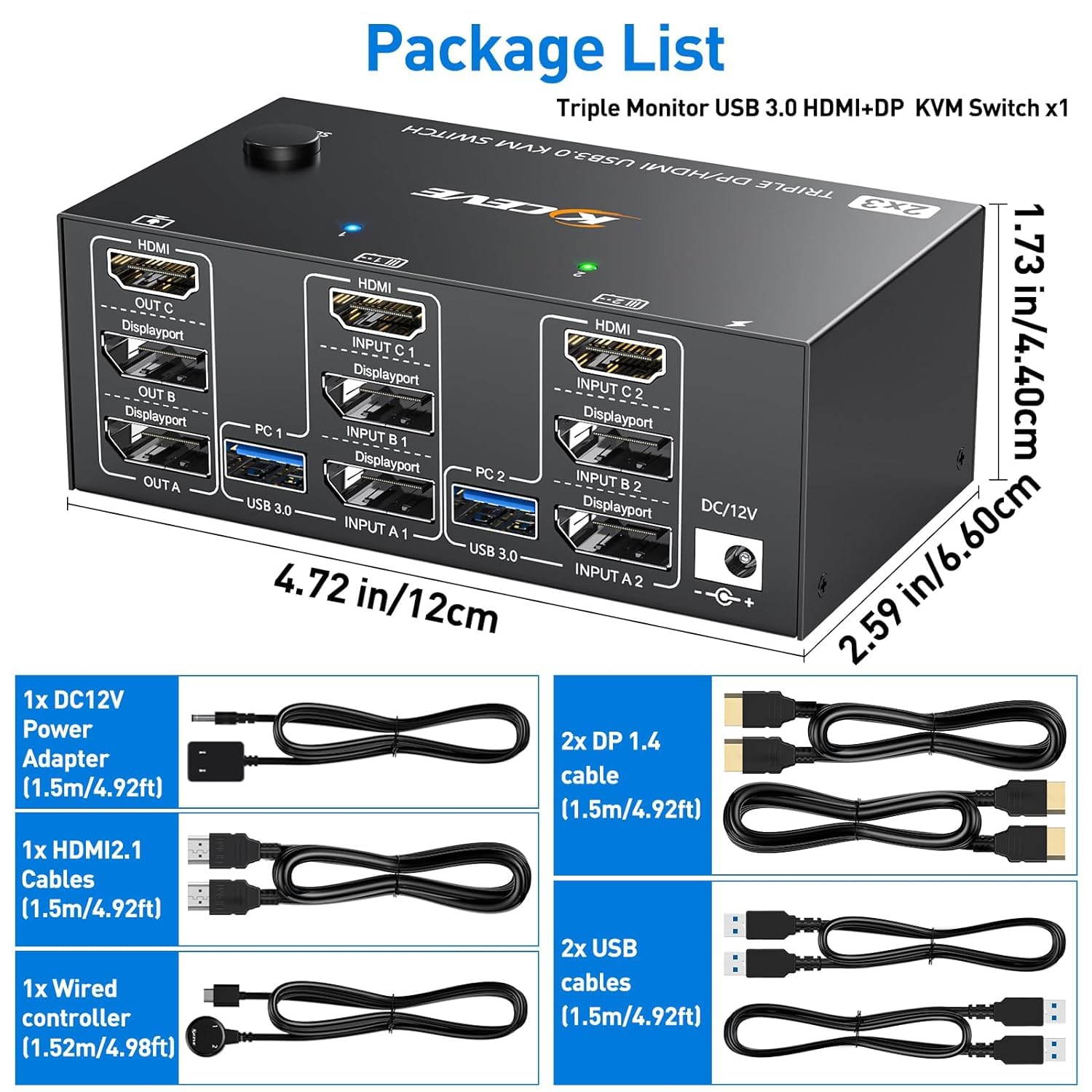
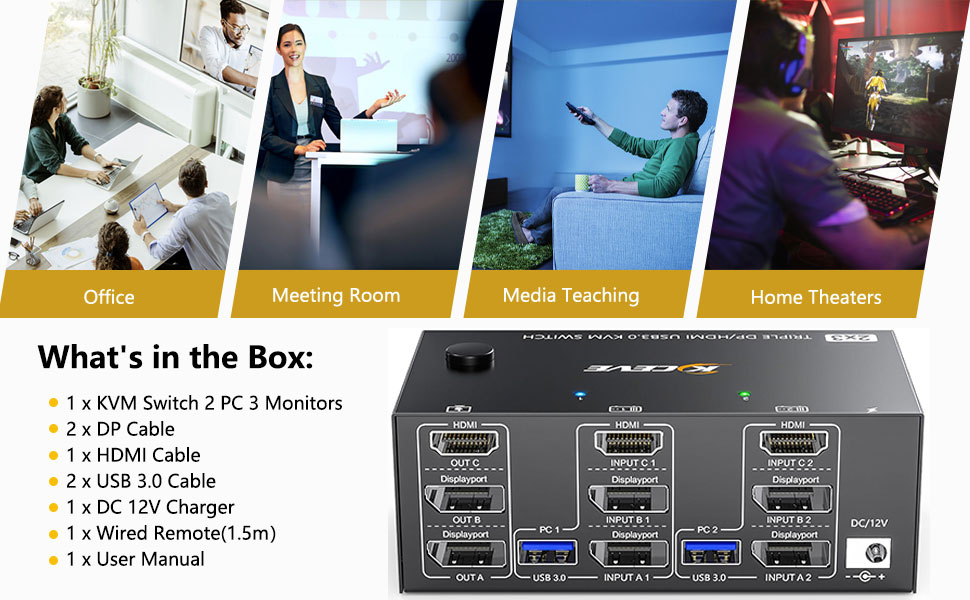
This 2 Displayport+HDMI triple monitor KVM switch is perfect for 2 computers or laptops to share 3 monitors and 4 USB 3.0 devices (keyboard, mouse, printer, scanner and other USB devices, making the work space tidier and greatly improve work efficiency.
Ultra HD 8K@60HZ/4K@144Hz Visual Experience
This 2 in 3 out KVM switch output max resolution up to 8K@60Hz/4K@144Hz, each details can be displayed without any latency.Displayport 1.4 support max resolution up to 8K@30Hz/4K@144Hz and backward compatible.HDMI 2.1 supports max 8K@60Hz/4K@60Hz and down compatible with lower resolution. Note: HDMI part does not support 4k@144Hz or 4K@120Hz
Important Note: The final resolution is subject to your graphics card, cables, monitors and adapters.
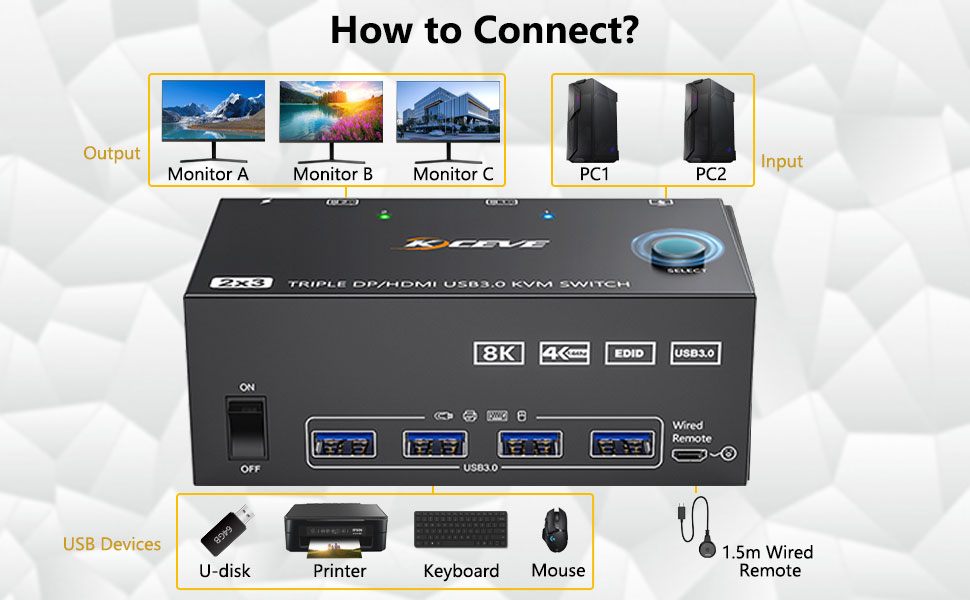
For input, each computers needs 2 DP + 1 HDMI connection, for output needs 2 DP monitors + 1 HDMI monitor
Each computer needs 1 HDMI cable + 2 DP cables + 1 USB cable to connect the KVM switch.
Step 1: Connect 1 HDMI cable + 2 DP cables + 1 USB cable to PC 1 and KVM switch (INPUT A1, INPUT B1, INPUT C1, USB 3.0).Step 2. Connect 1 HDMI cable + 2 DP cables + 1 USB cable to PC 2 and KVM switch (INPUT A2, INPUT B2, INPUT C2, USB 3.0).Step 3. Connect 1 HDMI cable and 2 DP cables to the KVM switch (OUT A, OUT B, OUT C) and three monitors.Step 4: Connect your USB device (keyboard and mouse) to the USB 3.0 port on the KVM switch. You can connect up to 4 USB 3.0 devices at the same time. Compatible with USB 2.0/1.1 devices.Step 5. Connect the wired remote control
Note: Please connect the 12V DC power adapter to provide sufficient power. Using a shorter 8K HDMI + DP cable can make the KVM switch more stable.
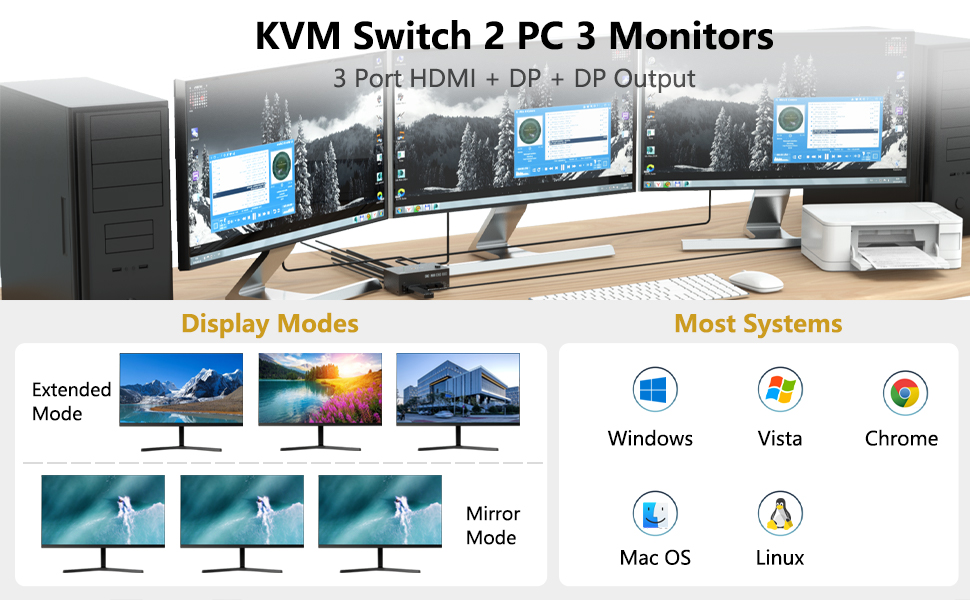
Support 2 display modes
Press “Windows+P” on keyboard and choose duplicate mode in the small winow that pops up. In mirror mode, the main screen can be copied to the secondary screen.
Note: Please make sure your PC/laptop supports 3 screens or above display function before purchasing.
triple monitor kvm
Press “Windows+P” on keyboard and choose Extend mode in the small winow that pops up.In extend mode, the window from main screen can be dragged to second screen
Note: MAC M1/M2 not support extend mode.
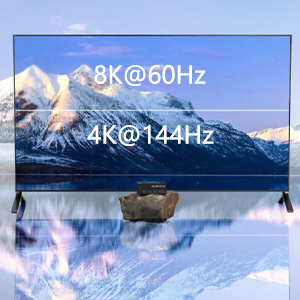
Enjoy HD 8K@60HZ/4K@144Hz Visual Experience
Displayport 1.4 support max resolution up to 8K@30Hz/4K@144Hz and backward compatible.HDMI 2.1 supports max 8K@60Hz/4K@60Hz and down compatible with lower resolution. Note: HDMI part does not support 4k@144Hz or 4K@120Hz
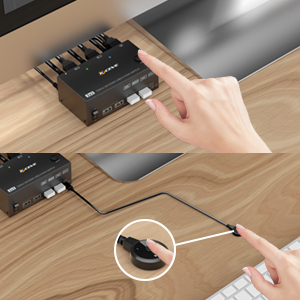
2 Switching Way
Physical button controlWired control
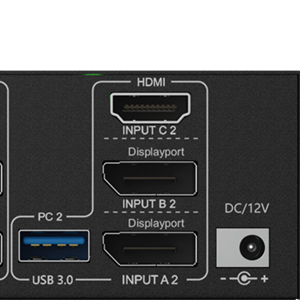
2 DP+ 1HDMI + 1 USB 3.0
Please make sure that your computer has these type of ports, each computer needs 2 DP + 1 HDMI connection to make 3 monitros works.DC12V is optional, when video or USB device not stable please connect a external power adapter to supply enough power.
【KVM Switch 3 Monitors 2 Computers】This 3 monitors KVM switch is designed for 2 computers share 3 monitors. Each computer needs 2 DisplayPort port + 1 HDMI port, please make sure that your computer has these type of ports.
【Supports duplicate and extend display modes】2 Computers 3 Monitors KVM Switch Displayport support extended, mirrored and splicing wall display. Support many kinds of input devices, such as PC, Laptop, Apple TV, PS3/PS4, Xbox. It can switch between computerquickly.
【3 Monitors KVM Switch Support 8K@60Hz/4K@144Hz】Triple Monitor KVM Switch Supports a maximum of 8K@60Hz(7680*4320), 4K@60Hz (3840 × 2160) Ultra HD image quality, and also supports other lower. Note: to make 8k resolution work, please make sure that all the cable, computer, monitor are all support 8k.
【USB 3.0 Version 3 Monitors KVM Switch 】KVM Switch 3 monitors 2 computers with 4 USB 3.0 ports for keyboard, mouse, printer and other USB devices connected. Supports ultra-fast USB 3.0 data transfer, data transfer speeds up to 5Gbps.
【3 Monitors kvm Switch Support 2 Switching Mode】HDMI + DisplayPort KVM switch support physical button and wired control. You can press the button on the panel or use the wired remote to switch the computers. LED light indicates which computer is running.
User Reviews
Be the first to review “KVM Switch 3 Monitors 2 Computers, HDMI + DisplayPort KVM Switcher 8K@30Hz/4k@144Hz for 2 Computer Share 3 Display and 4 USB 3.0 Devices”
Related Products


$85.99

There are no reviews yet.